What are the 5 golden rules of web design?
We’ve all heard of the golden rule: treat others the way you want to be treated. Life has a few of these golden rules, principles, or ideas that just simply work. They keep society working together and peaceful. The same holds true for designing a great website. There are 5 golden rules of web design that provide the rules that can help your site become an effective marketing and sales tool for your business or nonprofit. Whether you’re working with a professional web designer or tackling a redesign yourself, these golden rules and principles will keep your site professional, user-friendly, results-driven and effective
The 5 Golden Rules You Shouldn’t Ignore
These 5 golden rules of web design go over the essentials every site needs in order to succeed: clarity, proper design, consistent use of colors and branding, strong calls-to-action, and quick load times. We’ve even included a golden rule on SEO because design and search visibility go hand in hand. Following these golden rules will help you design and create a website that looks great, works smoothly, and drives continuous results for your business or non profit.
Clarity
A website should never feel like a giant and confusing maze where users have to make random guesses about their next step. The moment someone lands on your site, they should know very quickly exactly what services and products you offer, the community you serve, and how to find any of the information they need. If they’re left searching for answers or confused about what you offer, the chances are they won’t stick around long. Clarity is the golden rule that sets the tone for a great user-friendly experience and builds trust right from the start.
- No bait-and-switch tactics – If you advertise a service or product, make sure the page clearly delivers on that promise.
- Make the mission and offerings clear – State your company’s purpose, vision, and value right up front.
- Easy navigation – Organize menus and page layouts so that important information is never buried.
The clearer your message, the easier it is for visitors to connect with your business and take the next step.
Recommended Reading: Crafting an About Us Page
Proper Design
Good design is so much more than just about making your website look nice. It’s about creating an easy to use and enjoyable experience for each user. The design should be designed in a way to help guide people naturally from one part of your site to the next. This should be done without making them think too hard or get frustrated and confused along the way. A clean, modern design tells your audience and users that your business is professional, credible, and ready to serve their needs.
- Keep navigation straightforward – Avoid complicated dropdowns, fly-out menus, or multi-level options that overwhelm users.
- Responsive design – Make sure your site works flawlessly on desktops, tablets, and smartphones.
- Modern look and feel – An outdated design can make visitors question your credibility.
When your website is easy to use, visually appealing, and works on every device, you create an experience that encourages visitors to stay longer and explore more.
Recommended Reading: 8 Design Steps to Boost Your Conversions
Consistency
Consistency in web design is about making your site and design feel connected, consistent, and cohesive from one page to the next – whether that is another page or a blog article or feature page. If your colors, fonts, button styles, or layouts change drastically, visitors may feel like they’ve stumbled onto a different site altogether. Consistency reassures users that they’re in the right place and reinforces your brand identity with every click.
- Colors and fonts – Use the same style choices across all pages.
- Button styles and hover effects – Keep interactive elements uniform so users always know what to expect.
- Headers and footers – Keep these consistent sitewide to give visitors a familiar way to navigate.
A consistent look and feel helps build trust, credibility, improves user experience, and makes your brand more memorable.
Recommended Reading: The Importance of Branding in Web Design
Clear Calls-to-Action (CTA)
A strong call-to-action is a helpful signpost that guides visitors toward what to do next. A great CTA does this without being flashy or annoying to users, but a gentle guide in the next direction. Without a clear CTA, even a very interested and ready to purchase visitor might leave the site without contacting you, making a purchase, or signing up for services you provide. Each page on your site should have one main goal, and that should be supported by a call-to-action that makes it easy for users to take the next step.
- One primary goal per page – Whether it’s to request a quote, make a purchase, or book an appointment, make it clear.
- Strong, visible CTAs – Use text like “Get Started,” “Schedule a Consultation,” or “Buy Now” that encourages action.
- Strategic placement – Place CTAs where they fit naturally, such as after a service description or testimonial.
When visitors know exactly what to do and how to do it, your chances of turning them into customers go way up.
Recommended Reading: How to Turn Your Website into a Conversion Machine
Loads Quickly
In today’s fast-paced world (online or not) no one wants to sit and wait. A slow loading or functioning website is one of the quickest ways to lose users who could be potential customers. If your site doesn’t load in just a short couple of seconds, many users will close out of your site and move on to another – possibly your competitor. Speed matters more than just for user experience and satisfaction. It also plays a role in SEO rankings, as search engines favor faster sites.
- Aim for 1–2 seconds – Any longer and you risk losing visitors.
- Optimize images – Compress and resize them for faster load times.
- Good hosting matters – Quality hosting helps keep load times short and downtime low.
- Use tools like WP Rocket – Caching plugins can give your site a noticeable speed boost.
A fast-loading website keeps visitors engaged and creates a better overall experience for anyone who visits.
Recommended Reading: Speeding Up Images
Bonus: SEO Integration
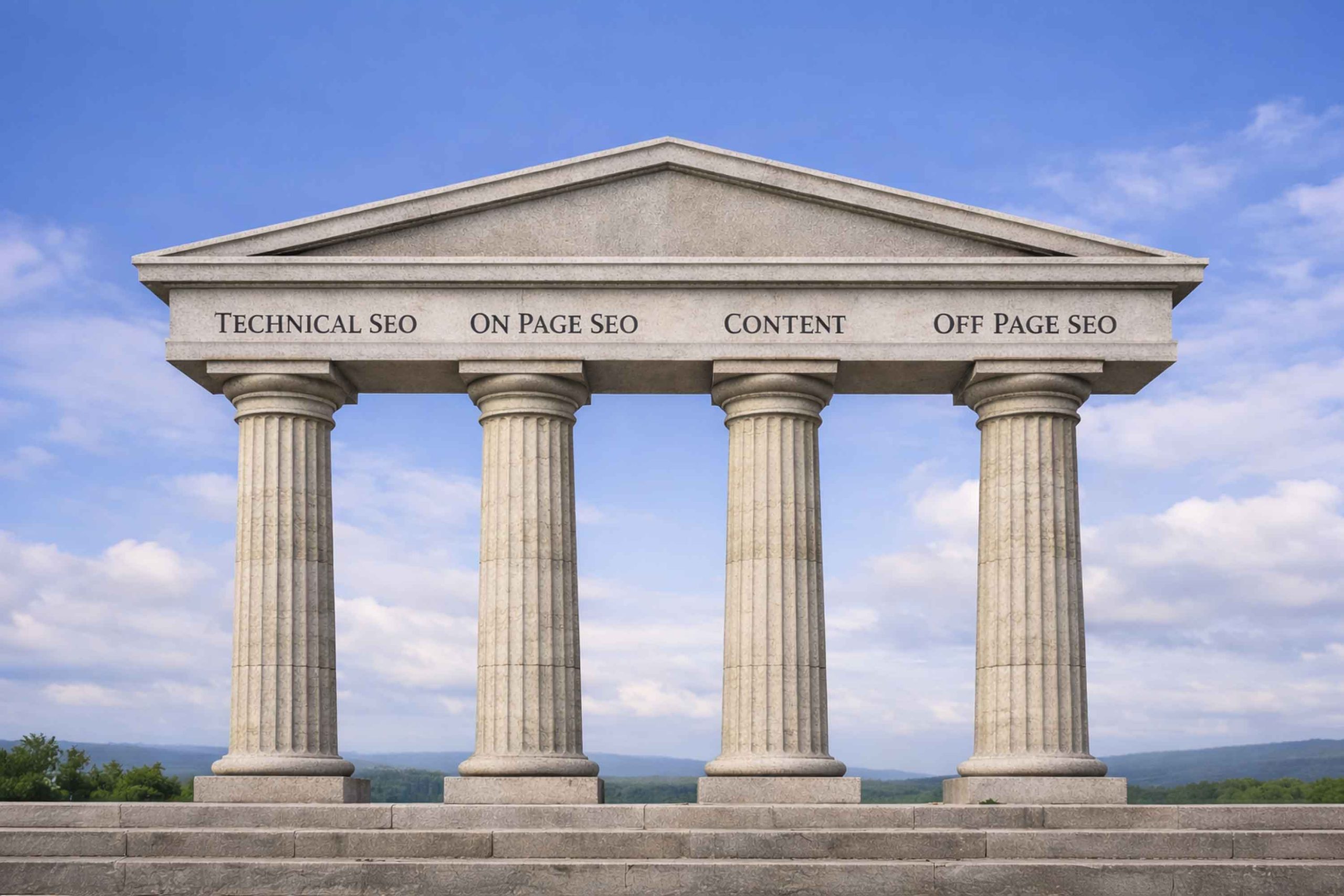
SEO might not be strictly a design element, it is so closely tied to how successful your website will be. The absolute best design in the world won’t be a great marketing tool if no one can find the site. Building SEO best practices into your site and its design from day one ensures that search engines can find, understand, and rank your content.
- Clear H1 headings – Use your target keyword in the main heading.
- Keyword usage – Integrate relevant keywords naturally throughout the content.
- Image alt tags – Help search engines understand your visuals.
- No hidden text – Avoid tricks that can harm your rankings.
- Crawl-friendly structure – Make sure Google can easily access and index your pages.
When SEO and web design work together, you get a site that not only looks great but also brings in the right audience.
Recommended Reading: 3 Ways to Transform Blogs with SEO
Applying These Golden Rules to Your Website
If you’ve been wondering, “What are the 5 golden rules of web design?” it comes down to clarity, proper design, consistency, strong CTAs, and quick load times—with SEO as a powerful bonus golden rule. Following these 5 (well, 6 really) golden rules will help you design and create a website that not only attracts visitors but keeps them engaged, encourages them to explore, and guides them toward taking action. A website built on these principles becomes more than just a digital brochure—it becomes a marketing tool that works around the clock to grow your business, build your brand, and strengthen your connection with your audience.