Elementor Tips & Insights

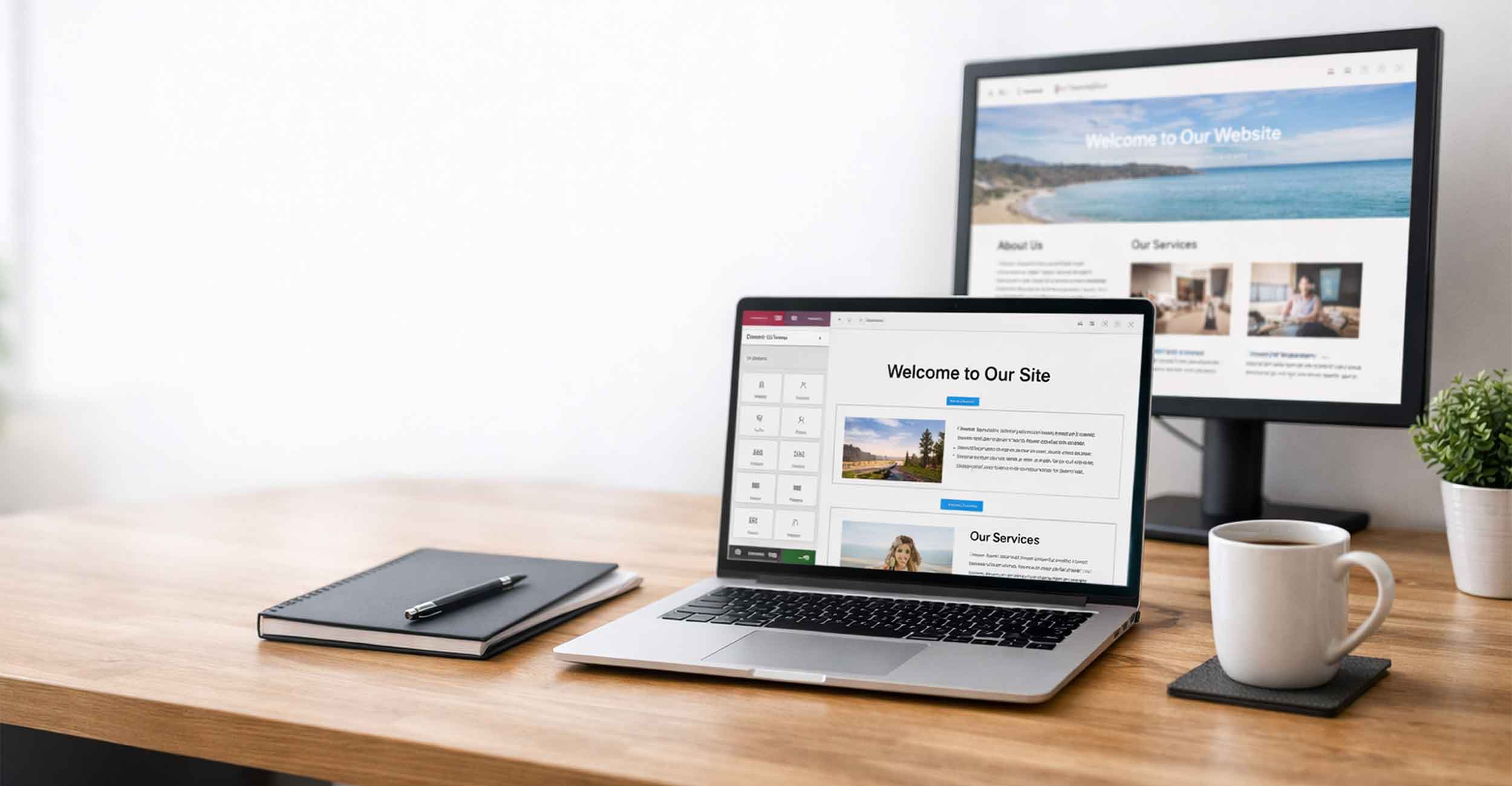
Our Elementor category explores tips, tricks, and best practices for designing with this powerful WordPress builder. Perfect for small business owners and marketers, these blogs help you create better pages, streamline edits, and make the most of Elementor’s features—no developer required.

Elementor Tips for Small Business Growth

 No matter which area of marketing you’re focused on—whether it’s blogging, analytics, email marketing, or beyond—this collection of articles is designed to give you clear, practical tips you can apply right away. Each post is written with small business owners in mind and focused on real results.

What Is a Loop Item in Elementor?

Elementor Loop Items make it easy to create custom designs that repeat throughout a website. Learn what a Loop Item in Elementor is, how it works with Advanced Custom Fields (ACF), and how much you can customize the design. From blog articles to team members and portfolios, Loop Items make websites easier to update, manage, and use for marketing.


Read More »

Is Elementor Pro Worth It?

Is Elementor Pro worth it? We think it is. Elementor Free is still a great website builder, but Elementor Pro gives you much more flexibility. Features like Theme Builder, Loop Builder, Advanced Custom Fields integration, and better dynamic content options make it easier to build advanced websites while also reducing the need for some extra WordPress plugins.

Read More »
A handful of cash.

How Much Does Elementor Cost?

Elementor is a popular visual website builder for WordPress. The basic version is free, while Elementor Pro generally costs between $60 and $100 per year. Pro adds advanced tools like the Theme Builder, dynamic content, ACF integration and the Loop Builder. With qualifying Full Scope Creative hosting plans, Elementor Pro is included and fully managed for you without separate licensing.

Read More »
The site settings in Elementor

Access Site Settings in Elementor

If you’re trying to access Site Settings in Elementor and running into issues, you’re not alone. These settings control your site’s global design, but they can sometimes be tricky to get into. In this article, we walk through what Site Settings are, how to access them, and what to check if something isn’t working right.

Read More »
Elementor page builder open on a laptop showing the visual editor used to design a WordPress website

What Are the Disadvantages of Elementor?

Elementor is one of the most popular page builders for WordPress. It gives designers a visual way to build pages and layouts without writing code. But like any website tool, it has some drawbacks. In this article we look at the disadvantages of Elementor, including page speed concerns, learning curve issues, and why proper hosting and setup make a big difference.

Read More »
Small business owner editing a website with Elementor while comparing elementor vs squarespace platforms.

Elementor vs Squarespace

Trying to decide between Elementor and Squarespace for your website? Both platforms can build a working site, but they offer very different levels of flexibility. This guide explains the key differences in design, features, SEO tools, and ownership so small business owners can choose the platform that fits their long term goals.

Read More »

Is Wix Easier Than Elementor?

Many small business owners wonder if Wix is easier than Elementor. Both platforms let you build a website without coding, but they work very differently. In this article we compare the two platforms, look at ease of use, SEO capabilities, and long term flexibility, and explain why many businesses ultimately choose WordPress with Elementor.

Read More »
Control / Command + Z to undo in Elementor

How to Undo in Elementor

Mistakes happen to everyone when editing in Elementor. Learning how to undo in Elementor can save you time and stress. Whether you use Control or Command + Z for quick fixes or the History panel to roll back further, knowing your options makes editing easier and gives you the confidence to keep improving your site.

Read More »
How to Hide Page Title in WordPress Elementor

How to Hide Page Title in WordPress Elementor

When building a site with WordPress and Elementor, the default page title doesn’t always fit your design or keyword strategy. Sometimes it looks repetitive, other times it doesn’t match your SEO goals. The good news is you can easily hide page titles using templates, CSS, or theme settings — giving you more design freedom and control.

Read More »
Ready to discover how we can help make your website and marketing more successful?
Contact Us
~ What Is a Loop Item in Elementor?,