What Are the Disadvantages of Elementor for WordPress Websites?
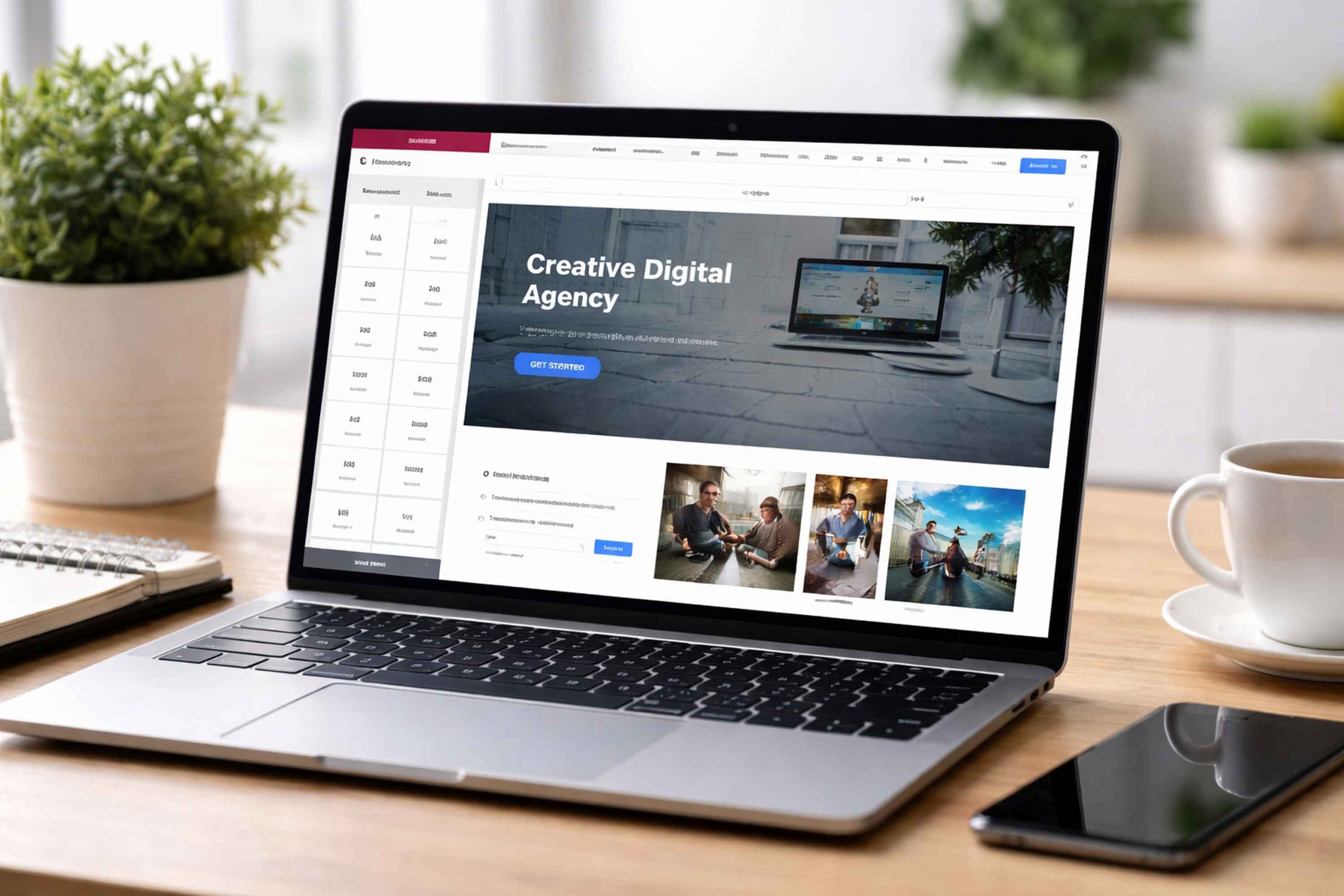
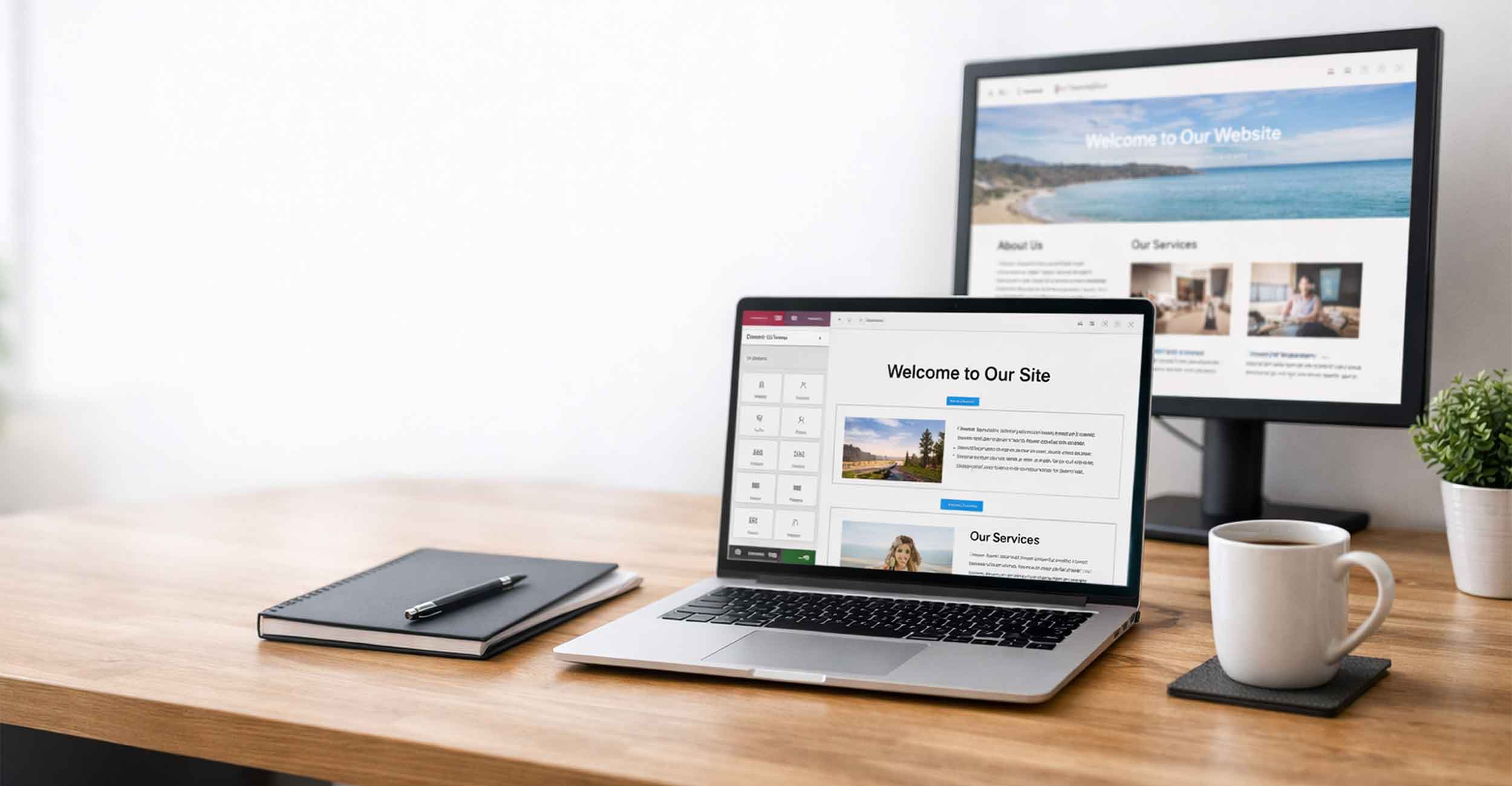
Elementor is one of the most popular page builders available for WordPress. We use it for many of the websites we build at Full Scope Creative. It gives designers and business owners a clear visual editor. You can see the page while you build it. You can move sections, add images, and adjust layouts without writing code.
That said, no website builder is perfect. Elementor has its drawbacks, same as any other page builder. It’s important to know these drawbacks and how to manage them. When Elementor is set up correctly, these concerns are easy to manage.
Let’s take a closer look at the disadvantages of Elementor and how they are usually handled.
Page Speed and Code Bloat
The most common concern people bring up about Elementor is page speed.
Elementor creates pages using many small design elements. These elements add extra code to the page. Some people call this “code bloat.” When a site has too much extra code, it can slow down loading time.
A slow loading website will affect user experience. It can even have an impact on SEO if the page takes too long to load.
This issue is top concern for any site, but it is quite easy to manage. Good hosting makes a huge difference. Caching tools such as LiteSpeed can improve speed. Image compression also helps a lot. Too commonly, the images uploaded to a website are larger than needed.
Websites like TinyJPG.com help compress and drop the image size, without hurting quality. When images are optimized and caching is enabled, Elementor sites run very fast.
The Learning Curve Gets Steeper Over Time
Elementor is easy to start with. Most people can build simple pages after a short amount of time.
Things get more complex as you move into advanced features. Dynamic content, custom layouts, and responsive design settings take more experience. The editor offers many controls, and new users sometimes feel overwhelmed.
This does not mean Elementor is difficult. It just means the tool grows with the user. Beginners can build simple pages. Professionals can build advanced systems and custom layouts.
Many businesses choose to have a professional team build the site first. Once the website and Elementor structure is designed and set up, editing pages and content is much easier.
Updates Can Occasionally Cause Conflicts
Elementor is actively developed. The software receives updates often. These updates add new features and fix bugs.
Sometimes updates can create small conflicts with other plugins. This problem will happen with any WordPress plugin, not just Elementor.
Many times these issues are minor and easily fixed. Good website maintenance helps prevent problems. Keeping plugins updated in a controlled way and having regular backups makes updates much safer.
At Full Scope Creative, our hosting plans include regular monitoring, updates, and backups. This helps keep Elementor sites stable and secure.
Some Features Require Elementor Pro
Elementor has a free version and a paid version called Elementor Pro.
The free version is powerful and can build many types of pages. Some of the most advanced tools require the Pro version. These include form builders, theme builder controls, and advanced design widgets.
This is not unusual for website software. Many tools offer basic features for free and advanced tools in a paid version.
For our clients, Elementor Pro is already included with our Security Essentials hosting plan. That means they get the full power of Elementor without needing to manage another license.
Too Many Widgets Can Create Messy Layouts
Elementor offers a large library of widgets or elements you can add to your page. You can add things like sliders, buttons, icons, forms, tabs, and many other design elements.
That design and content freedom is great, but it can also lead to clutter and confusion if the page is not designed carefully. Too many widgets packed together on a page, or even a section, can make the layout feel crowded.
Good design practices solve this problem. Clean spacing, clear headings, and a simple structure keep Elementor pages easy to read. When the layout is planned well, Elementor becomes a very clean and flexible design tool.
All Page Builders Have Pros and Cons
Every page builder has strengths and weaknesses.
Elementor is not the only option. Tools like Divi, Beaver Builder, Wix, Squarespace, and GoDaddy’s website builder all offer visual editing systems.
Each of them has tradeoffs. Some are easier to start with but harder to customize. Others lock users into a closed platform where moving the site later becomes difficult.
Elementor stands out because it works inside WordPress. That means you still control your website, your hosting, and your content. The platform remains open and flexible while still giving you a powerful visual builder.
That balance is one of the biggest reasons we prefer Elementor.
Why We Still Recommend Elementor
Even with its (possible) disadvantages, Elementor remains the preferred page builder for Full Scope Creative.
Elementor allows us to design unique, custom layouts for our clients that are easy for clients to update. Business owners can update and change things like text, swap images, and add even new sections without needing a developer every time (that means cost savings).
Elementor also pairs very well with other commonly used tools in the WordPress ecosystem. We combine Elementor with Advanced Custom Fields to build structured content areas on many websites. This makes updates easier for our clients and still keeps pages organized.
It also makes a great combo with WooCommerce. That combo allows businesses to run a full online store and still have full control over page layouts and product displays.
When Elementor is backed by strong hosting, proper caching, and optimized images, it is a fast and flexible platform for small business websites.
Elementor Has Drawbacks, But It Is Still One of the Best WordPress Builders
Every website platform and page builder has some limitations. Elementor is no different. Adding extra code, the time it can take to master advanced features, and the possible need for the Pro version are some of the most common issues.
The good news is that these drawbacks are actually easily managed. With the right design, hosting, setup and proper optimization, Elementor sites are fast, clean, and easy to maintain.
For many small businesses, it provides the right balance between flexibility and ease of use. That is why Elementor is one of the main tools we use when designing WordPress websites.