A Stronger Layer of Email Security for Your Business
Email is one of the main ways businesses communicate. Quotes get sent. Files move back and forth. Clients ask questions. Vendors send invoices.
Because email is used so often, it has also become one of the main ways hackers try to reach businesses.
This is where Defender for Microsoft 365 comes in.
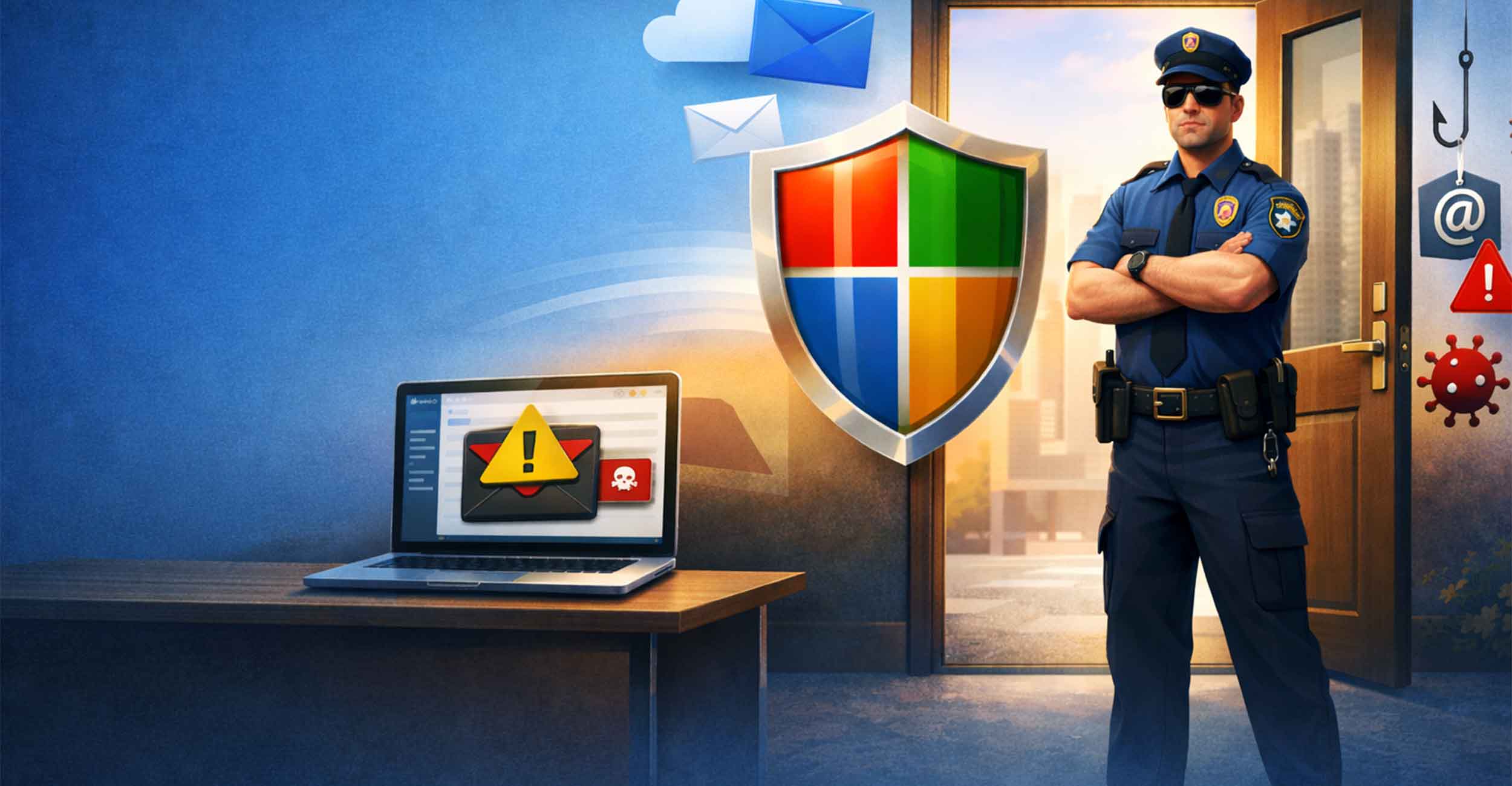
A simple way to picture it is this. Think of your email inbox as the front door to your business communication. Messages are constantly coming through that door. Some are helpful. Some are spam. Some are dangerous.
This tool acts like a security guard standing at that door, checking what is coming in before it reaches you.
At Full Scope Creative, we often recommend adding this protection to Microsoft 365 accounts. It helps filter out harmful emails and adds another layer of security for your team.
What This Security Tool Actually Does
Most Microsoft 365 accounts already have a basic spam filter.
That works well for obvious junk mail. The kind that promises lottery winnings or miracle weight loss pills.
The problem is that modern threats are much more convincing.
Some emails look like they came from Microsoft. Others appear to be from your bank, a coworker, or a client. At first glance they can look completely legitimate.
This added security system looks deeper.
It scans messages, attachments, and links before they reach your inbox. It checks them against known threats and suspicious behavior across the internet. Messages that look dangerous may be blocked or placed into quarantine.
The result is simple.
Fewer risky emails reaching your team.
Protection From Phishing Emails
Phishing emails are one of the most common attacks businesses face.
These messages try to trick someone into clicking a link or entering a password. Sometimes they pretend to be a login page. Other times they look like a payment request or invoice.
Many of them are written well. Some even copy the branding of real companies.
A stronger security system watches for these patterns. It studies the sender, the message structure, and other warning signs that people might miss.
Suspicious messages can be stopped before employees ever see them.
That alone can prevent a lot of problems.
Checking Links and Attachments
Many attacks start with a simple click.
- A link leads to a dangerous website.
- An attachment installs malware.
- A document hides harmful code.
Security tools built into Microsoft 365 can analyze these links and files before they reach users.
Links are checked for known threats. Attachments are scanned for viruses and malicious software. Harmful files are isolated before they cause damage.
Most of this happens quietly in the background.
Your team simply sees fewer risky emails.
Protection Across Your Microsoft 365 Environment
Email is not the only place where files move around anymore.
Businesses also share documents through OneDrive, Teams, and SharePoint. These tools are extremely useful, but they also mean files travel through more places.
Security monitoring can extend into those areas as well.
Suspicious files can be detected in shared folders. Unusual activity may trigger alerts. Harmful content can be stopped before it spreads across the system.
This helps protect the entire workspace, not just the inbox.
Why Small Businesses Often Add This Extra Protection
Large companies often have dedicated IT teams watching their systems around the clock.
Most small businesses do not.
Employees are focused on running the business. They are answering emails, sending files, and responding to clients. Security threats are rarely on their minds during a busy day.
That is exactly why stronger filtering helps.
Think back to the earlier example. Your inbox has a front door. Messages are constantly arriving. Many of them are helpful and expected.
Mixed in with those are spam, scams, and harmful links.
Having a security guard watching that door makes it much harder for those dangerous messages to slip through.
Adding Another Layer of Protection to Your Email
Email will always be one of the most important tools your business uses. It keeps conversations moving and helps work get done quickly.
It also happens to be one of the most common entry points for cyber threats.
Adding Defender for Microsoft 365 gives your system another layer of protection. It helps screen emails, links, and files before they reach your team.
At Full Scope Creative, we help businesses set up Microsoft 365 accounts and configure the security tools that come with them. That includes helping clients add and configure this protection when it makes sense for their business.
If you would like to review your current setup or learn more about your Microsoft 365 options, feel free to reach out. We would be happy to walk through everything with you and help make sure your email system has the protection it should.